What's the best way to organize school papers at home?
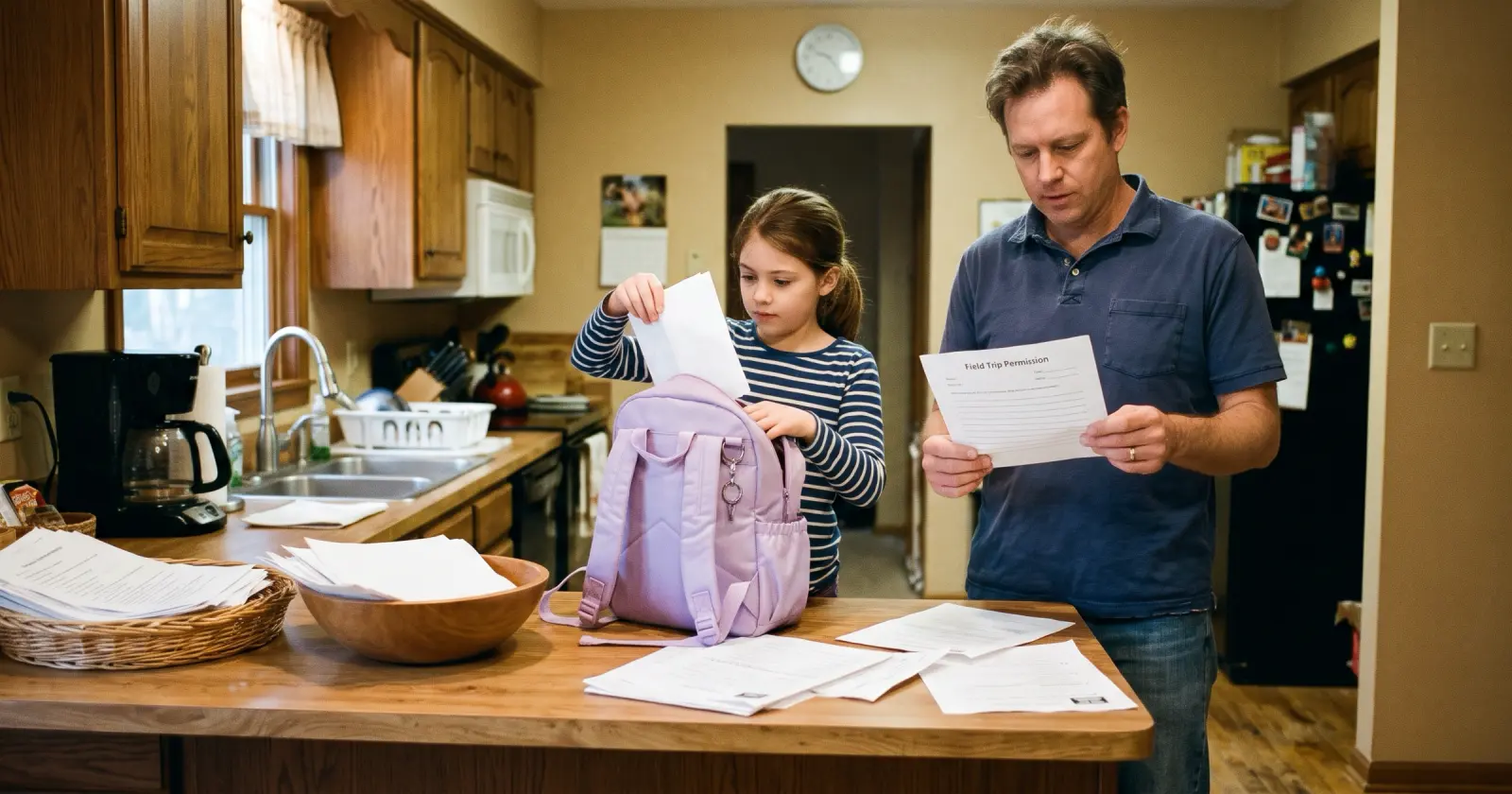
Give paper one landing spot, sort it in three piles each evening, and put every date on your calendar before the paper moves.
Paper gets lost when it has no home and no deadline. Pick one landing spot for everything that comes out of the backpacks, sort it into act, keep and toss once a day, and copy any date onto your calendar the moment you see it. Then the paper itself matters much less.
Connect Gmail, or forward school emails from any inbox to your Daywell address.
What to do
- Pick one landing spot. A tray, a basket or a wall pocket near the door where every backpack gets emptied. If papers land on the counter, the mail pile and the car seat, you will look in three places for one form.
- Empty the backpacks every evening. Do it before dinner, with the child if they are old enough. Anything from school goes in the tray, even the crumpled ones from the bottom of the bag.
- Sort into three piles. Act means it asks for something: a signature, money, something to bring. Keep means you want it later, such as a report card or a class list. Toss is everything else. A minute per child is plenty.
- Write the date down before the paper moves. If a paper has a day on it, put that day on your calendar now, with the child's name in the title. A paper in a pile only reminds you when you happen to see it. A calendar entry reminds you on the day.
- Photograph anything that matters. A picture of a signed form, a permission slip or a class schedule takes seconds, and you can find it later by searching your photos. You also have a copy if the original is lost.
- Give each child a keep folder. One folder or box per child, with a short list on the lid of what belongs there: report cards, health forms, a few favorite drawings. When it is full, that is the signal to thin it out.
- Reset once a week. Pick a regular ten minutes, such as Sunday evening, to empty the act pile, file the keep pile and look at the week ahead. Do a bigger clear at the end of each term, and let go of what no longer matters.
How Daywell helps
Daywell is a family prep assistant. It reads what school, daycare and activity messages ask for and keeps it together in a single list, with the child when it is named. Paper can go in too: take a photo, or save a PDF, and share it to Daywell from your Android phone, or add it in Daywell on the web. It reads the page and lists what it asks for. Outlook or Gmail can be linked too, so the email side lands in the same list.
Questions parents ask
How do I add a paper to Daywell?
Photograph it, then share or add it.
Snap a photo or save the PDF, and share it from your Android phone. On the web, open the Add option and pick the file, the camera or pasted text. The page is read and what it asks for shows up in your list.
Can Daywell read school emails from two inboxes?
Yes, connect Gmail, Outlook or both.
Connect each Gmail or Outlook inbox the school writes to. For an account that's neither, forward to your Daywell address; Daywell asks you to confirm an address it has not seen before.
Does Daywell read everything in my inbox?
No. It starts with the sender and subject.
No. Daywell glances at the sender and subject first, passes over Gmail's Promotions, Social and Forums, and reads Outlook's Inbox folder only. It opens a message when it looks like it comes from a school, daycare or activity, and opens any it is unsure about so nothing slips by. What is stored, and for how long, is explained in the privacy policy.
Where do I begin with Daywell?
At getdaywell.com.
Visit getdaywell.com and connect Outlook or Gmail, read-only.
Sources
Checked by James Boone, Daywell, 25 Nov 2026