How do I add my kid's school calendar to my iPhone?
Open Calendar, tap Calendars, then Add Calendar, then Add Subscription Calendar, and paste the school's .ics link.
On your iPhone, open the Calendar app, tap Calendars, tap Add Calendar, then tap Add Subscription Calendar. Paste the web address of the school's .ics calendar and tap Find. If the school's page shows the link as something to tap, tapping it can subscribe you directly. The school's dates then sit beside your own, and you can take the calendar off later.
Connect Gmail, or forward school emails from any inbox to your Daywell address.
What to do
- Find the school's calendar link. Look on the school or district website for words like Subscribe, Sync, iCal or Calendar feed near the calendar. What you want is a web address for an iCalendar file, which ends in .ics.
- Try tapping the link first. You can subscribe to an iCalendar (.ics) calendar just by tapping a link to it. If the school's link opens on your phone, tap it and follow the prompts.
- Or add it by hand in Calendar. Open the Calendar app and tap Calendars. Tap Add Calendar, then Add Subscription Calendar, and enter the address of the .ics file. Then tap Find.
- Check that it arrived. Tap Calendars again and look for the new calendar in the list. That list is also where you choose which calendars to show.
- Treat it as a read-only copy. It is an external, read-only calendar: you can look at the school's events but not edit them. Before a big date such as a concert or a half day, glance at the school's own page the week before, in case it changed.
- Take it off when you no longer need it. Tap Unsubscribe on the calendar. You will be offered Unsubscribe, or Unsubscribe and Report Junk; the second reports the calendar to Apple as a suspected junk subscription, so choose the first for a school calendar you simply no longer want.
- No link? Type in the dates that count. When the calendar is only a PDF or a photo, open it beside Calendar and create an event for each no-school day, early dismissal and conference that touches your family, with an alert the day before. Ten minutes covers the year, and the office can tell you whether an .ics link exists.
How Daywell helps
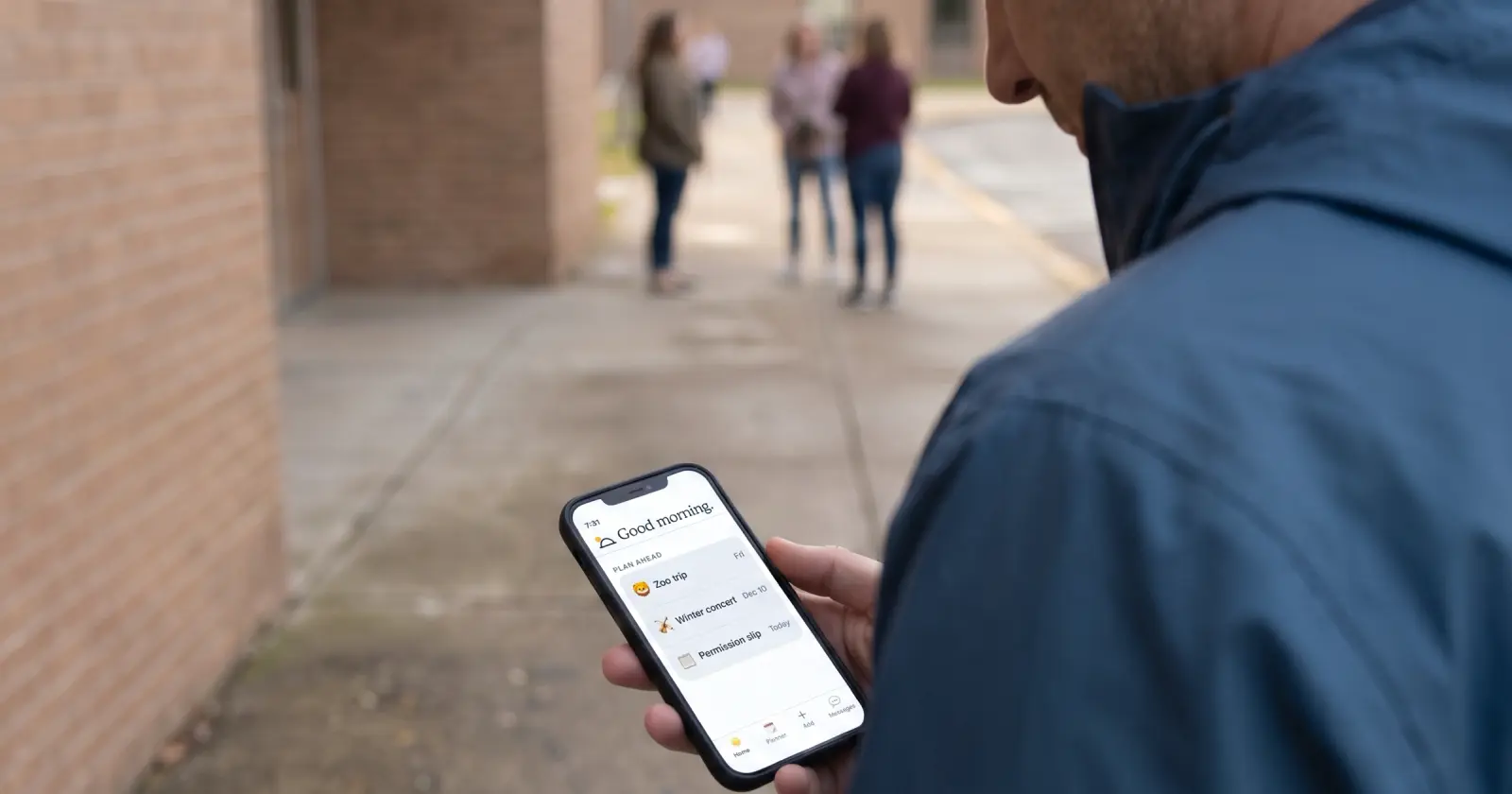
Daywell is a family prep assistant for school and activity messages, and a calendar link works there too. Give it the school's or the team's link one time, and it keeps those events current next to the things it pulls from your email. If all you have is a calendar file from the school's site, that can come in as a one-off import. It all goes into one list, with the child you choose on the calendar events. It starts at getdaywell.com.
Questions parents ask
The school only gave me a PDF or a picture of the calendar. What now?
Add the dates that matter by hand, and ask the office for an .ics link.
A PDF can't be subscribed to, but it still works for the dates that matter. Add each no-school day, early dismissal and event as its own Calendar event with an alert, and ask the school office whether an iCalendar link exists for next year.
I have an .ics file saved on my phone, not a link. Can I use it?
A file is a one-time copy, so a link is better.
The steps above are for a link. A saved file is a snapshot: whatever the school changes later won't reach it. If the school offers a link, use the link.
Can Daywell use the school's calendar link?
Yes. Paste it once and Daywell refreshes it by itself.
Yes. Once the link is in Daywell, it brings in the coming 60 days and keeps checking for changes. Anything on that calendar that seems unrelated to the kids may stay off your list. A downloaded calendar file also works, as a single import. Those events then sit with everything Daywell picked up from your email.
Will a calendar I subscribe to show on my husband's iPhone?
Only if they subscribe too.
A subscription lives on the phone where you added it. Your husband needs to add the same link on his, or you can invite him to Daywell so you both see the same list.
Does Daywell read my whole inbox to find school dates?
Only the sender and subject at first.
Not at all. Daywell begins with just who sent a message and what its subject says, ignoring Gmail's Promotions, Social and Forums tabs and every Outlook folder but the Inbox. A school or activity message gets opened for a closer read; so does one it can't judge from those two lines. Details on storage sit in the privacy policy.
Where do I start with Daywell?
Go to getdaywell.com.
Visit getdaywell.com, then link your Outlook or Gmail account.
Sources
- Apple Support, iPhone User Guide: Set up multiple calendars on iPhone (read 2026-11-24)
- Daywell privacy policy
Checked by James Boone, Daywell, 25 Nov 2026