Can I get Gmail and Hotmail school emails in one place?
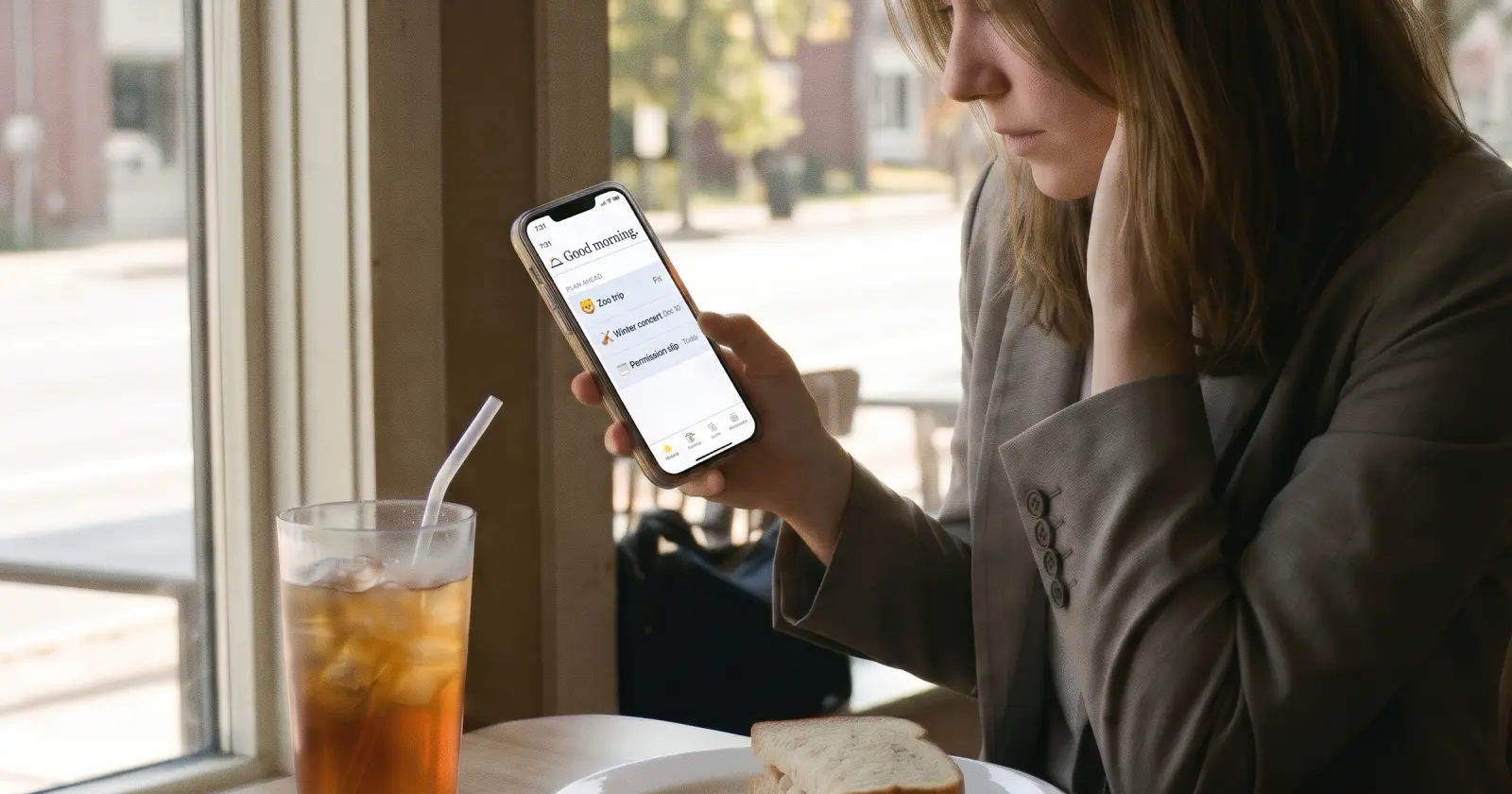
Yes. Add the Hotmail or Outlook account to the Gmail app on your phone, or forward its mail to Gmail.
The route that lasts is the Gmail app on your phone: add the Outlook or Hotmail account there and both inboxes live in one app. The other route is to have the Microsoft account forward mail to your Gmail address. Don't build on the old Gmail setting on a computer that fetches other accounts' mail, because it stops working in January 2027.
Connect Gmail, or forward school emails from any inbox to your Daywell address.
What to do
- Add the other account to the Gmail app. On an iPhone or iPad, open the Gmail app, tap your profile picture at the top right, tap Add another account, and choose Outlook from the list. Follow the on-screen steps. If your provider isn't listed, choose Other (IMAP) and enter your full email address.
- See them together or apart. Tap Menu, then All inboxes, to see every added account together. A Gmail account can hold up to 5 email addresses. If the other account has extra security, you may need an app password or another sign-in method.
- Or send the Microsoft mail to Gmail. In Outlook, go to Settings and Mail, find the Forwarding page, switch forwarding on and put in your Gmail address. Everything then arrives in Gmail, with nothing to open on your phone.
- Skip the old fetching tool. Gmail's Check mail from other accounts, which pulled other providers' mail in by POP, and Gmailify, which gave the other account Gmail's spam filtering, are removed in January 2027. Adding such accounts on the web is already discontinued. The replacements are automatic forwarding from the other provider, and the Gmail app on a phone.
- Keep what you already imported. Messages already imported into Gmail stay in your mailbox.
- Label school mail once it is together. Once mail is together, a Gmail filter can sort it for you. Use the options in the search box on a computer, put the school's address in, and save it with Create filter, adding the daycare and team too.
How Daywell helps
Daywell is a family prep assistant: it goes through mail from school, daycare and activities and pulls out what each child needs into a single list. Outlook, Hotmail and Gmail all connect read-only, so the two inboxes can stay separate. If some school mail lands at a third provider, send it on to the Daywell address your household gets. Start at getdaywell.com.
Questions parents ask
Can I still have Gmail fetch my Hotmail mail on my computer?
Not for long. It ends in January 2027.
The Check mail from other accounts tool and Gmailify stop working in January 2027, and adding such accounts on a computer is already discontinued. Mail already imported stays. Use forwarding or the Gmail app instead.
I have a Hotmail address. What do I choose in the Gmail app?
Outlook from the list; or Other (IMAP).
Choose Outlook from the provider list. If it isn't listed or the automatic setup fails, choose Other (IMAP), enter your full email address and follow the steps.
Will forwarding copy my whole Hotmail inbox into Gmail?
Forwarding sends mail as it arrives.
Forwarding is for mail arriving in Outlook. Older mail stays in Outlook, where you can still search it. If you want the old school emails in Gmail, forward the few that matter by hand.
Can Daywell read both my inboxes?
Yes. Connect Hotmail and Gmail.
Connect the two and Daywell lists what both ask of you. Mail from a third provider can be forwarded to your own Daywell address.
Does Daywell read every message in both inboxes?
No. Senders and subjects come first.
No. Daywell starts from the sender and the subject line. In Gmail it passes over the Promotions, Social and Forums tabs, and in Outlook or Hotmail it looks only at the Inbox folder. It reads a message in full when it looks like school, daycare or activity mail, or when it can't tell. Storage and retention are explained in the privacy policy.
Where do I sign up for Daywell?
At getdaywell.com.
Set it up at getdaywell.com and add your Hotmail, your Gmail, or the pair.
Sources
- Gmail Help: Learn about upcoming changes to Gmailify and POP in Gmail (read 2026-11-24)
- Gmail Help: Learn about changes to third-party email account support in Gmail (read 2026-11-24)
- Gmail Help: Add another email account in the Gmail app (read 2026-11-24; iPhone and iPad steps only)
- Gmail Help: Add another email account on your computer (read 2026-11-24)
- Microsoft Support: Turn automatic forwarding on or off in Outlook (read 2026-11-24)
- Gmail Help: Create rules to filter your emails (read 2026-11-24)
- Daywell privacy policy
Checked by James Boone, Daywell, 25 Nov 2026